
In today’s digital world, Pic to Text technology is changing the way we handle information. Instead of typing long documents manually, users can now take a simple picture and convert it into editable text within seconds. Pic to Text allows users to capture printed or handwritten content from images and transform it into digital words that can be searched, edited, and stored.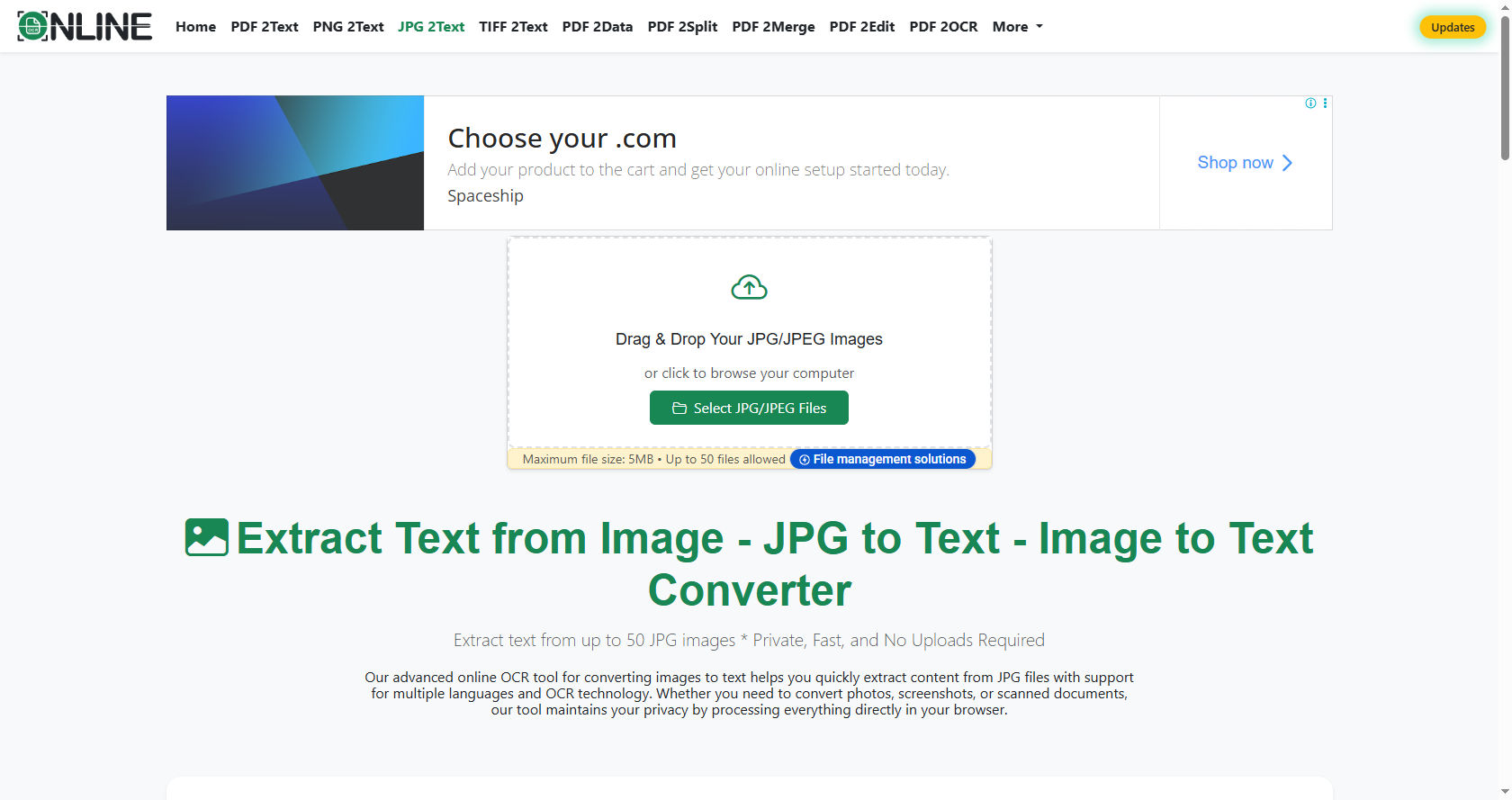
From students scanning notes to businesses processing invoices, Pic to Text systems rely on intelligent software to read characters from images.
This guide explains how the entire process works in a clear and simple way, so anyone at a 12th-grade level can understand it.
What Is Pic to Text Data Capture?
Pic to Text is a process that extracts written or printed text from an image and converts it into machine-readable format. The image can come from a smartphone camera, a scanned document, or even a screenshot.
Unlike manual typing, Pic to Text tools convert visual information into digital text automatically. This saves time and reduces human errors.
Today, Pic to Text solutions are used in schools, hospitals, banks, government offices, and homes. The goal is simple: turn images into usable data.
The Core Technology Behind Pic to Text
At the heart of Pic to Text systems is a technology called Optical Character Recognition (OCR). OCR is the engine that identifies letters and numbers in an image.
Modern Pic to Text software depends on artificial intelligence and machine learning to improve accuracy. These systems learn from millions of text samples.
In simple terms, Pic to Text platforms combine image processing, pattern recognition, and language analysis to produce readable digital text.
Image Acquisition
Every Pic to Text process begins with capturing an image. This can be done using:
-
Smartphone cameras
-
Document scanners
-
Digital cameras
-
Screenshots
For Pic to Text to work properly, the image must be clear and well-lit. Blurry or dark images reduce accuracy.
Advanced Pic to Text applications automatically adjust brightness and sharpness during this stage.
Image Preprocessing
Before Pic to Text software can read the text, the image must be cleaned. This step is called preprocessing.
During preprocessing, Pic to Text systems apply techniques such as:
-
Noise reduction
-
Contrast enhancement
-
Skew correction
-
Background removal
The better the preprocessing stage, the more accurate the Pic to Text output.
Text Detection
Once the image is clean, Pic to Text tools locate areas that contain text. The software separates text from pictures or graphics.
Modern Pic to Text engines use AI-based detection models to find text even in complex layouts, such as posters or receipts.
Character Recognition
After detecting text areas, Pic to Text software begins recognizing individual characters. It compares shapes in the image to stored patterns in its database.
Machine learning has greatly improved Pic to Text accuracy. Instead of matching fixed templates, systems now learn different fonts and handwriting styles.
Many Pic to Text platforms also recognize multiple languages, making them useful worldwide.
Post-Processing
The final stage in Pic to Text data capture is post-processing. This step checks for errors and improves formatting.
Advanced Pic to Text systems use dictionaries and grammar rules to correct misspelled words automatically.
Step-by-Step Breakdown of Pic to Text Data Capture
To better understand how Pic to Text works, let’s look at the process step by step:
-
Image Input: The user uploads or captures a picture.
-
Preprocessing: The software enhances image quality.
-
Text Detection: The system identifies text regions.
-
Character Recognition: Letters and numbers are converted into digital text.
-
Output Generation: The editable text is displayed or saved.
Each step ensures that Pic to Text delivers fast and accurate results.
Key Features of Modern Pic to Text Tools
Today’s Pic to Text applications offer many powerful features that improve performance and convenience.
-
Multi-language Support: Many Pic to Text tools recognize dozens of global languages.
-
Cloud Integration: Some Pic to Text platforms store files online for easy access anywhere.
-
Mobile Compatibility: With smartphones, Pic to Text apps allow scanning on the go.
-
Batch Processing: Businesses often rely on Pic to Text software to convert multiple documents at once.
These features make the technology practical for both personal and professional use.
Benefits of Using Pic to Text Data Capture
There are many advantages to using image-based text recognition systems.
One major benefit of Pic to Text is speed. Instead of typing pages of content, users can scan and convert them within seconds.
Another advantage of Pic to Text is accuracy. AI-powered systems reduce human typing errors.
Cost reduction is another reason companies invest in Pic to Text solutions. Less manual data entry means lower labor costs.
Accessibility also improves with Pic to Text. People with physical disabilities can convert printed materials into digital formats that work with screen readers.
Real-World Applications of Pic to Text
Pic to Text is used across many industries. Let’s explore some real-world examples.
Education
Students use Pic to Text to scan textbook pages and convert them into digital notes. This makes studying easier and more organized.
Teachers also rely on Pic to Text to digitize printed worksheets and share them online.
Healthcare
Hospitals implement Pic to Text to convert handwritten prescriptions and medical forms into electronic records. This improves efficiency and reduces paperwork.
Banking and Finance
Banks use Pic to Text to process checks, invoices, and financial statements quickly. Automated systems reduce delays and improve customer service.
Retail and E-Commerce
Retailers apply Pic to Text to scan product labels, receipts, and shipping documents. This speeds up inventory management.
Legal and Government
Government agencies depend on Pic to Text to digitize old paper records and maintain organized digital archives.
Challenges in Pic to Text Data Capture
Despite its benefits, Pic to Text is not perfect.
Poor image quality can affect results. Blurry photos or shadows may cause recognition errors.
Handwritten text is another challenge for Pic to Text systems. Different writing styles can confuse the software.
Language diversity can also impact Pic to Text performance. Some rare languages may have limited training data.
Security is an additional concern when using Pic to Text online. Sensitive documents must be protected with encryption.
How Artificial Intelligence Improves Pic to Text
Artificial Intelligence plays a huge role in modern Pic to Text development.
Deep learning allows systems to recognize complex fonts and handwriting patterns more accurately than older OCR tools.
As AI continues to grow, Pic to Text will become faster, smarter, and more reliable.
Tips for Getting the Best Pic to Text Results
To maximize Pic to Text accuracy, follow these simple tips:
-
Use High-Quality Images: Clear photos help the system recognize characters better.
-
Ensure Proper Lighting: Good lighting improves recognition rates.
-
Avoid Complex Backgrounds: Simple backgrounds make processing easier.
-
Choose Reliable Software: Not all Pic to Text tools offer the same level of performance.
By following these guidelines, users can improve output quality significantly.
The Future of Image-Based Data Capture
As technology advances, image recognition systems will continue to improve. Artificial intelligence models are becoming more powerful each year.
Future systems may recognize emotions, interpret context, and even summarize scanned content automatically. Integration with cloud computing and mobile devices will make scanning faster and more convenient.
Automation will also expand in industries such as logistics, healthcare, and education. Paper-based processes are slowly disappearing, replaced by digital workflows.
With growing global data needs, image-to-text conversion tools will remain essential in modern society.
Conclusion
Image-based text recognition has transformed the way individuals and organizations manage information. What once required hours of manual typing can now be done in seconds through intelligent automation.
The process involves capturing an image, enhancing it, detecting text areas, recognizing characters, and refining the final output. Each stage plays a critical role in producing accurate digital text.
From classrooms to hospitals, from banks to government offices, this technology supports faster communication, better record-keeping, and improved accessibility. While challenges such as poor image quality and handwriting recognition still exist, continuous improvements in artificial intelligence are solving these problems rapidly.
As digital transformation continues worldwide, automated text extraction from images will only grow more powerful and widespread. Understanding how it works helps users take full advantage of its capabilities and apply it effectively in everyday life.